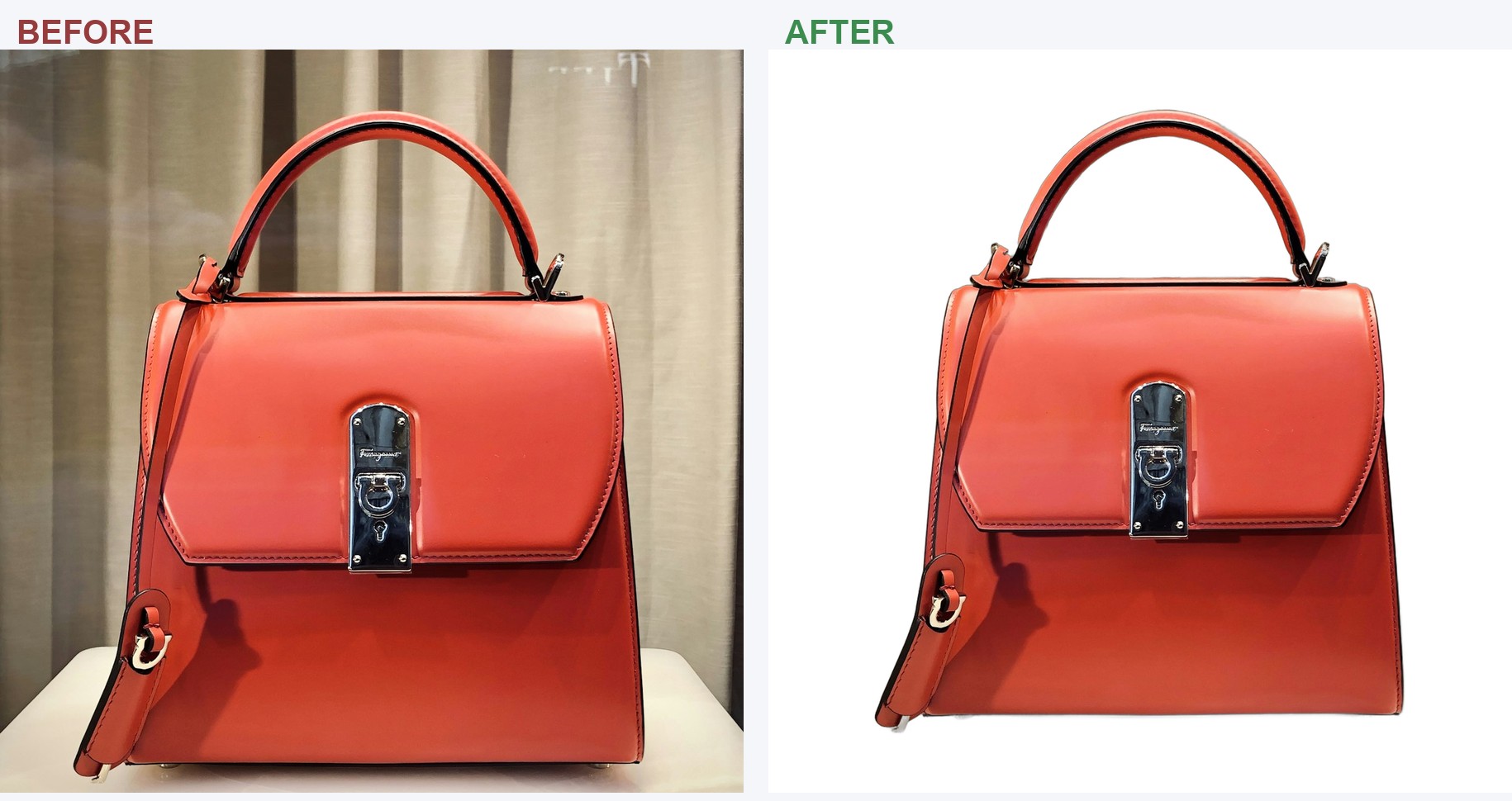
Cutout removes the background, drops your product on a clean white (or any backdrop), sizes it perfectly for Amazon, eBay, and Etsy, and adds your badges and logo. A whole folder at once. Works 100% offline. One price. No monthly fees. Ever.

A real Cutout demo: a whole folder of product photos, cleaned and Amazon-ready.
The people in the video are AI-generated actors. The app footage is a real screen capture.
The online background removers charge you every month, or a credit for every single image. With a real catalog, that adds up fast, and it all lives on their servers.
Drag in a folder of photos and Cutout does the whole job, the part that actually takes you hours.
Drop in a folder of phone photos and Cutout removes every background automatically, with clean, professional edges. No clicking around one image at a time.
Pick Amazon, eBay, Etsy, Walmart, Shopify, Instagram, and more, and Cutout sizes, centers, and fills each photo to that platform's published photo guidelines. Your whole catalog comes out looking uniform and professional.
A main image that breaks a marketplace rule can be rejected or pushed down in search, and you might not find out until sales go quiet. Cutout follows the rules for you. Amazon and Walmart photos come out on exact pure white (RGB 255, 255, 255) with the product filling the frame the way Amazon asks. If you add a badge or logo where a marketplace doesn't allow one, Cutout tells you right there, before you upload.
Marketplace rules checked October 2026. Marketplaces update their rules from time to time; Cutout updates are free, and the manual lists every rule it checks.
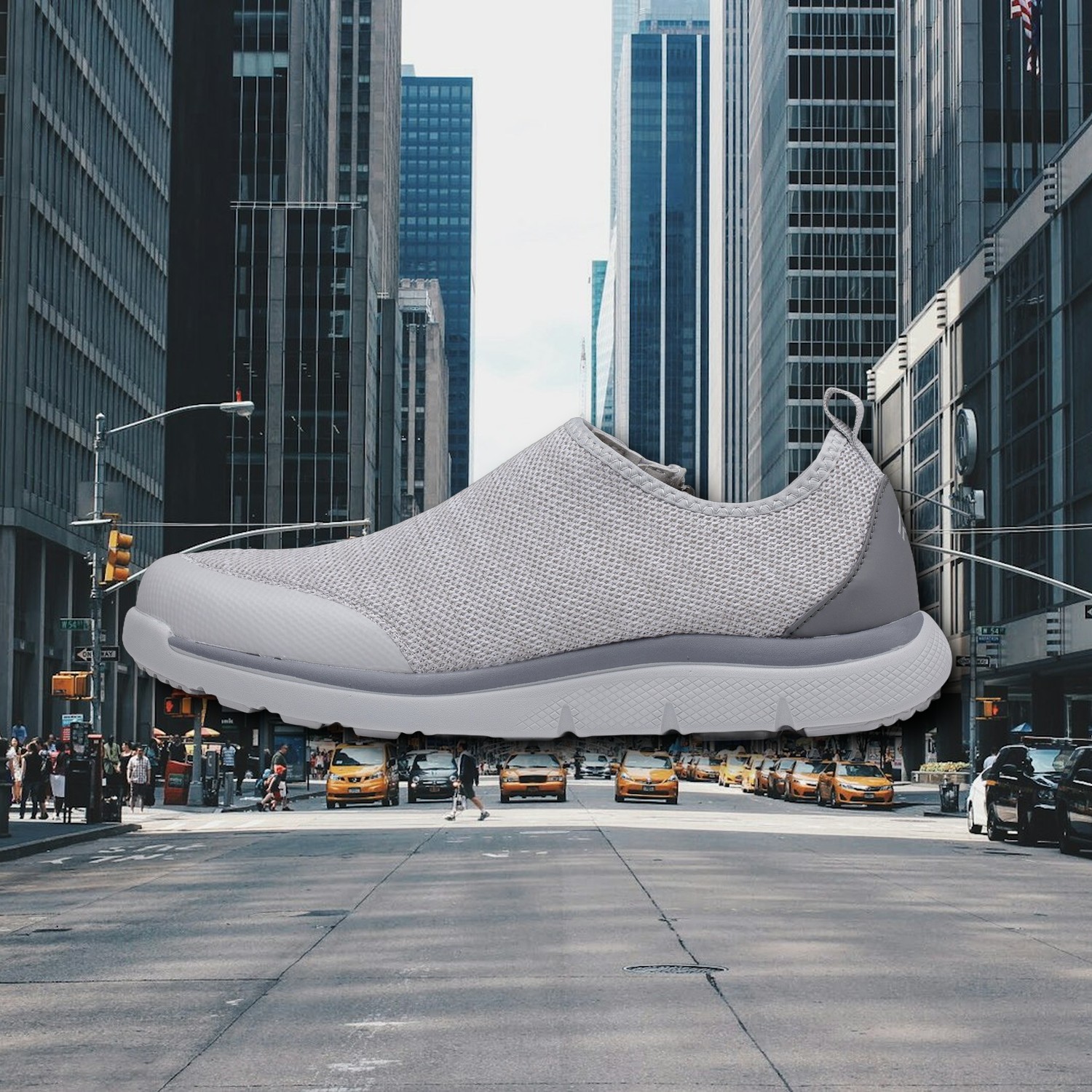
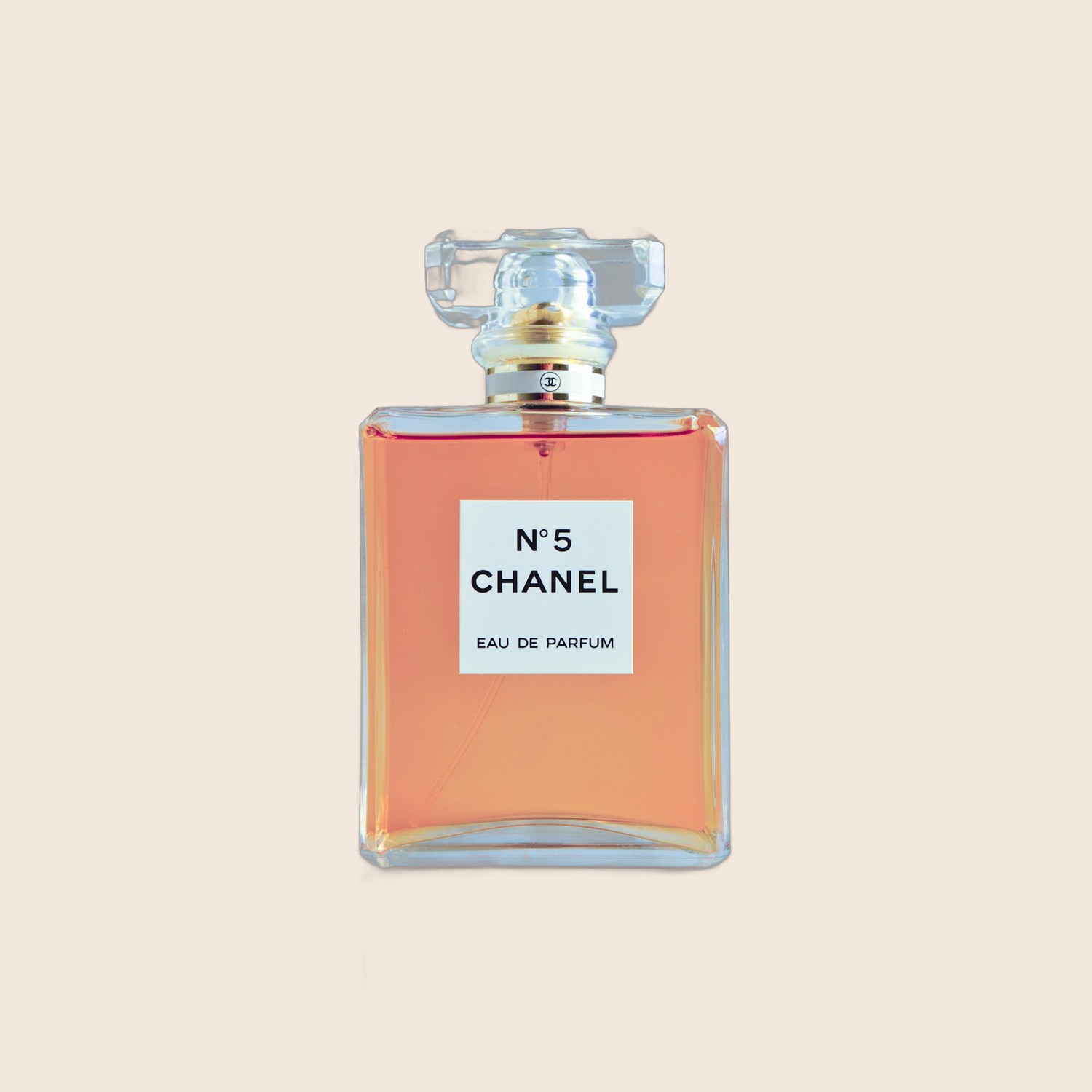
Clean white for the marketplace main image, a brand color, or drop your product onto your own backdrop photo, a wood table, marble, or a city street, for lifestyle shots that sell. Add a soft drop shadow so nothing looks like it is floating.
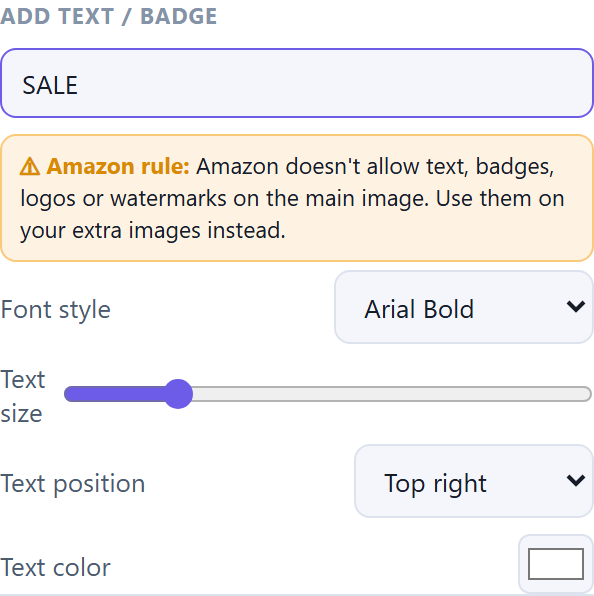
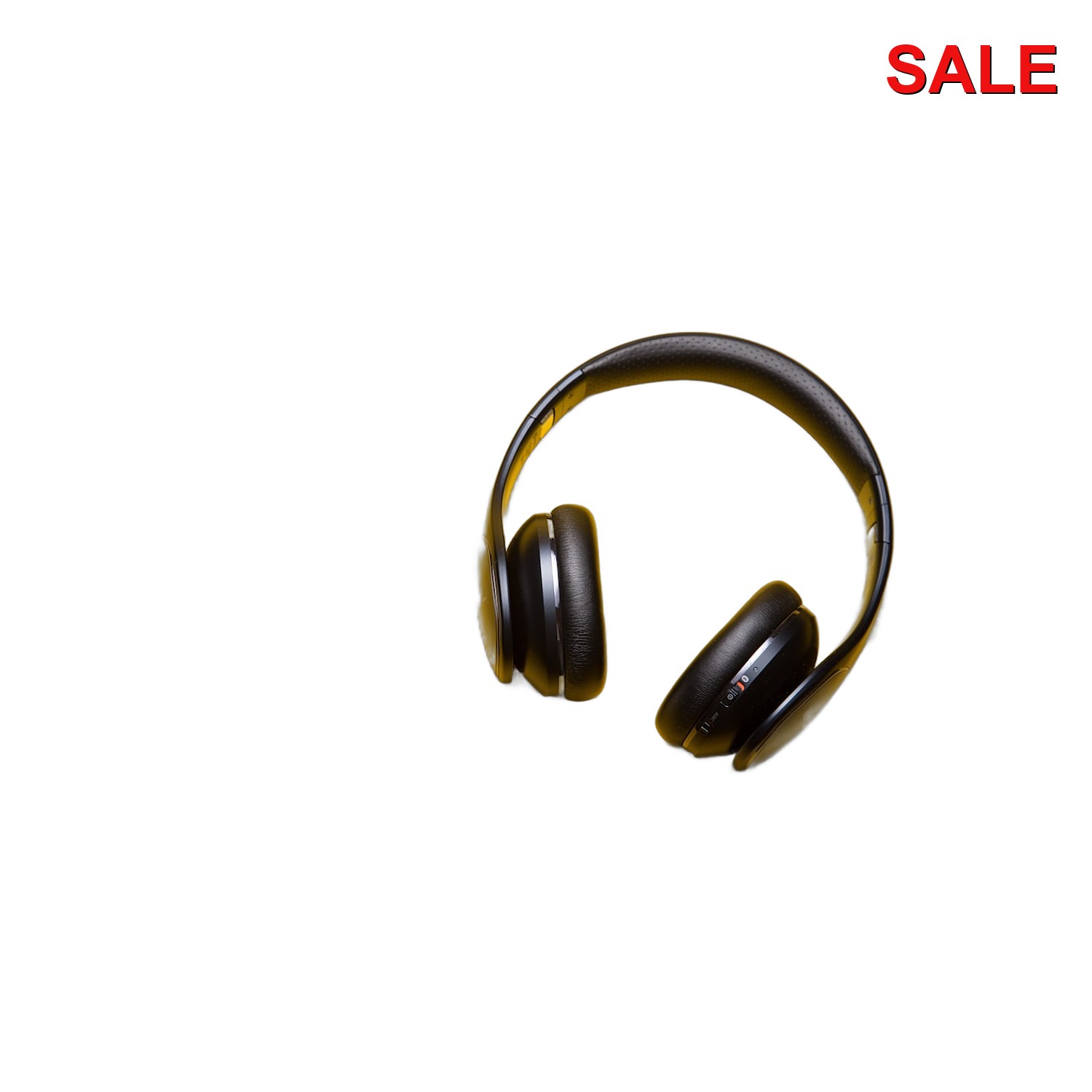
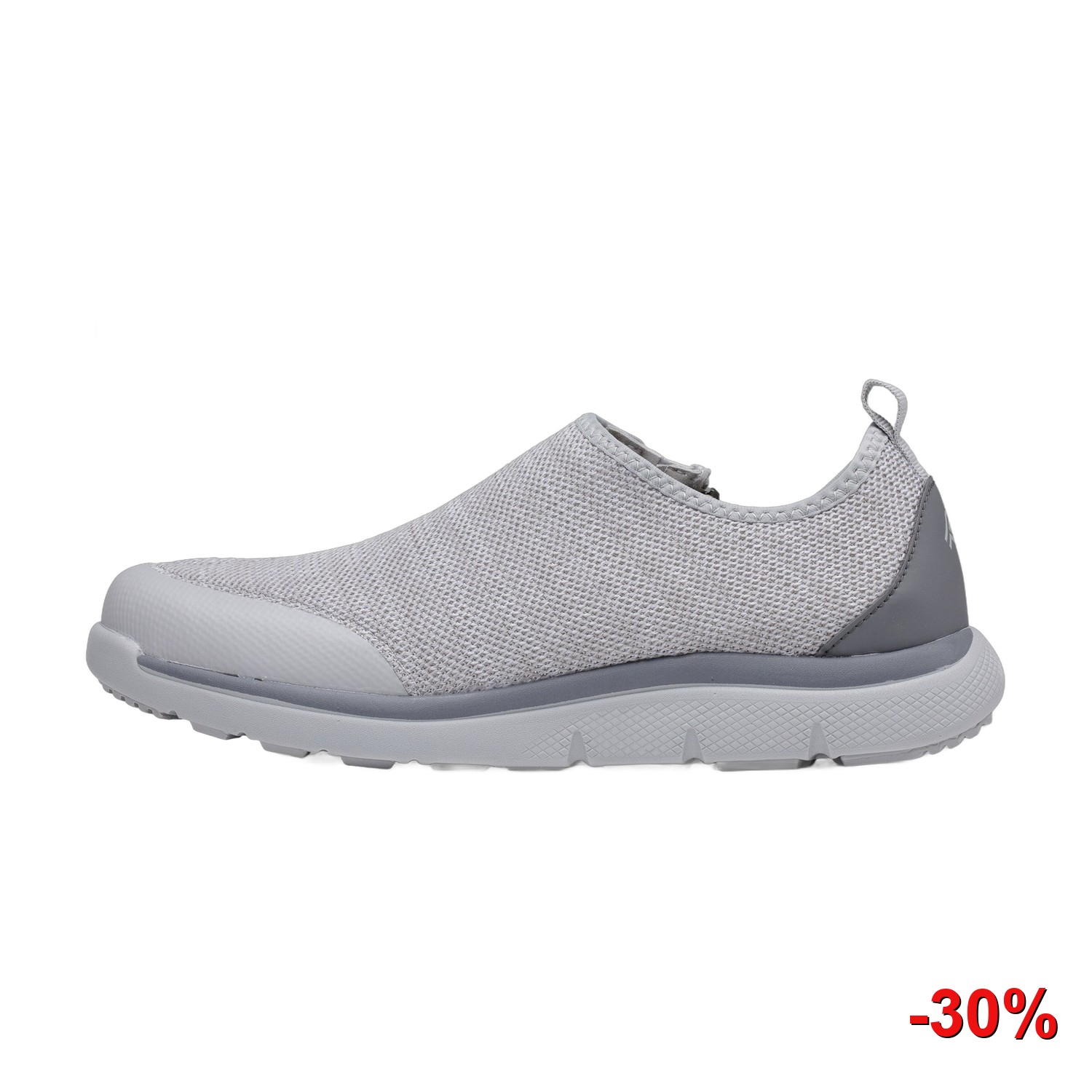
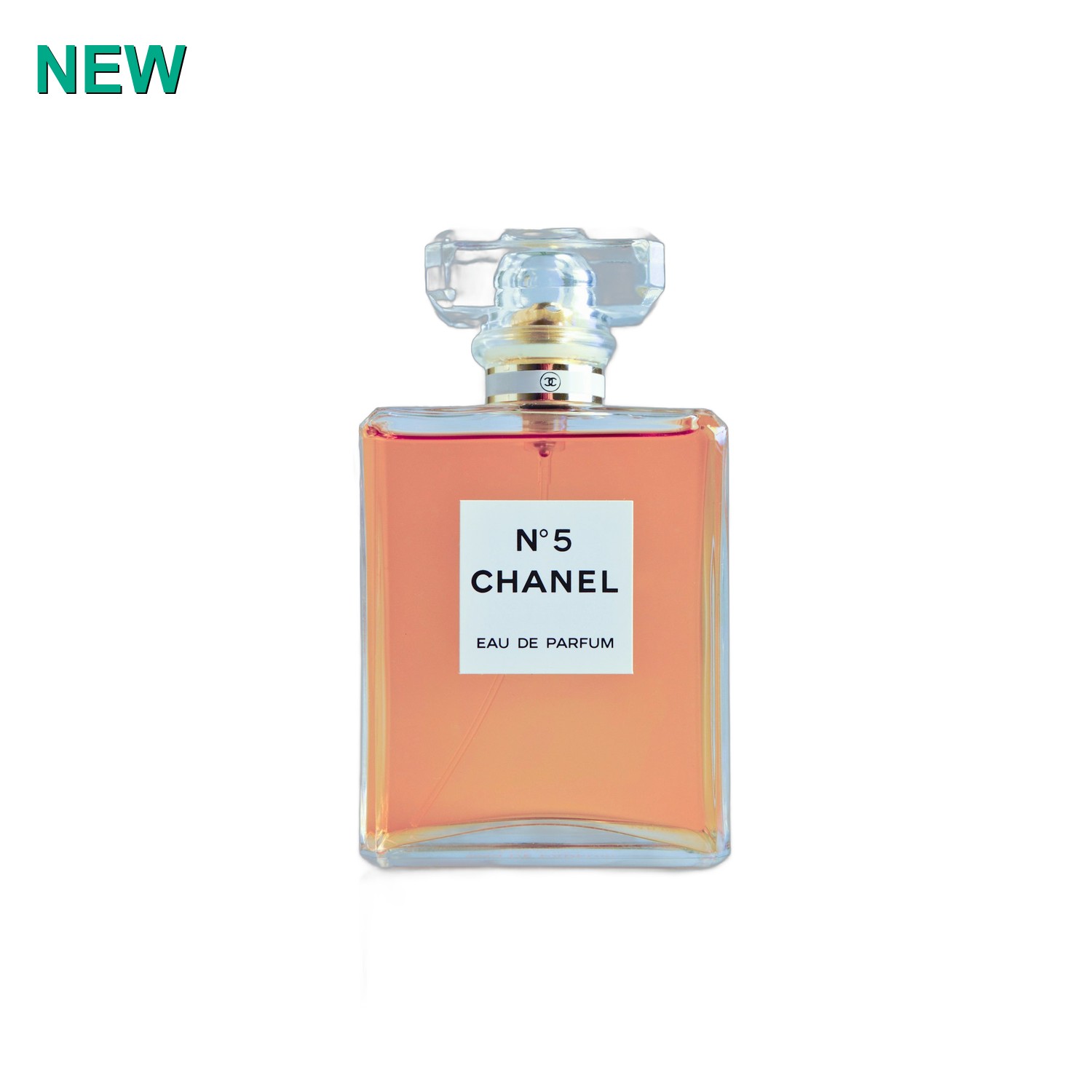
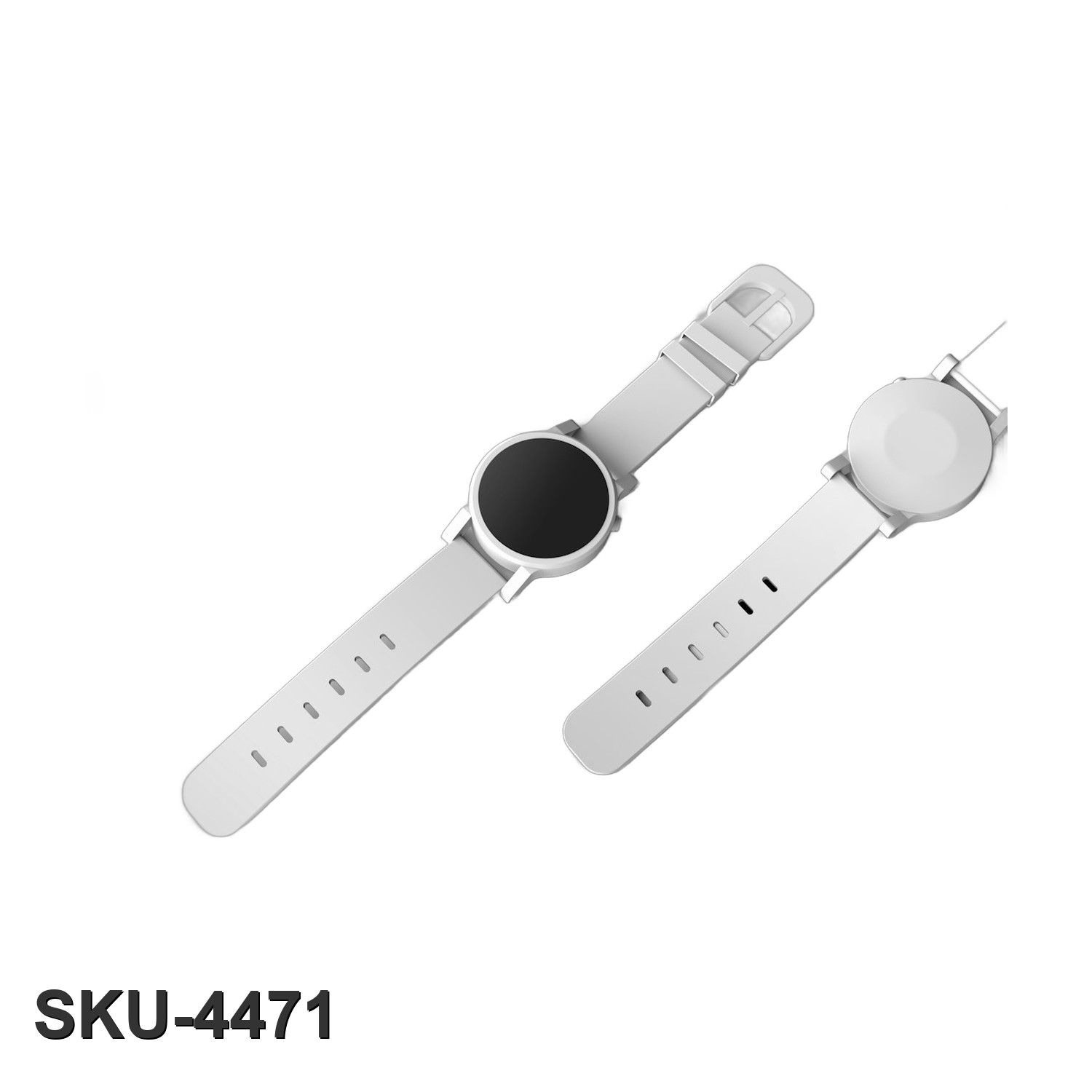
Stamp "SALE", "NEW", a price, or a SKU on your photos, and drop your logo or watermark on the whole batch at once. Pick the position, color, and size. Then Cutout renames and exports every file, ready to upload.
Badges are for your own store, social posts, ads, and marketplaces that allow them. Amazon, Walmart, eBay, and Google Shopping don't allow added text on listing photos, and Cutout reminds you if you pick one of them.
Honest comparison. Cutout does the whole catalog job, offline, for one price.
| Cutout | remove.bg | Photoroom | Photoshop | |
|---|---|---|---|---|
| Price | $49 once | $9-89/mo | $7.50-99/mo | $22.99/mo |
| Per-image cost | ✓ None | ~$0.25 ea | Export limits | None |
| Works offline | ✓ Yes | ✗ | ✗ | ✓ |
| Batch a whole folder | ✓ Yes | ✓ | ✓ | Manual |
| Marketplace size presets | ✓ Yes | - | Some | - |
| Badges & watermark in batch | ✓ Yes | - | Limited | Manual |
| Photos stay on your PC | ✓ Yes | ✗ | ✗ | ✓ |
| Own it forever | ✓ Yes | ✗ rent | ✗ rent | ✗ rent |
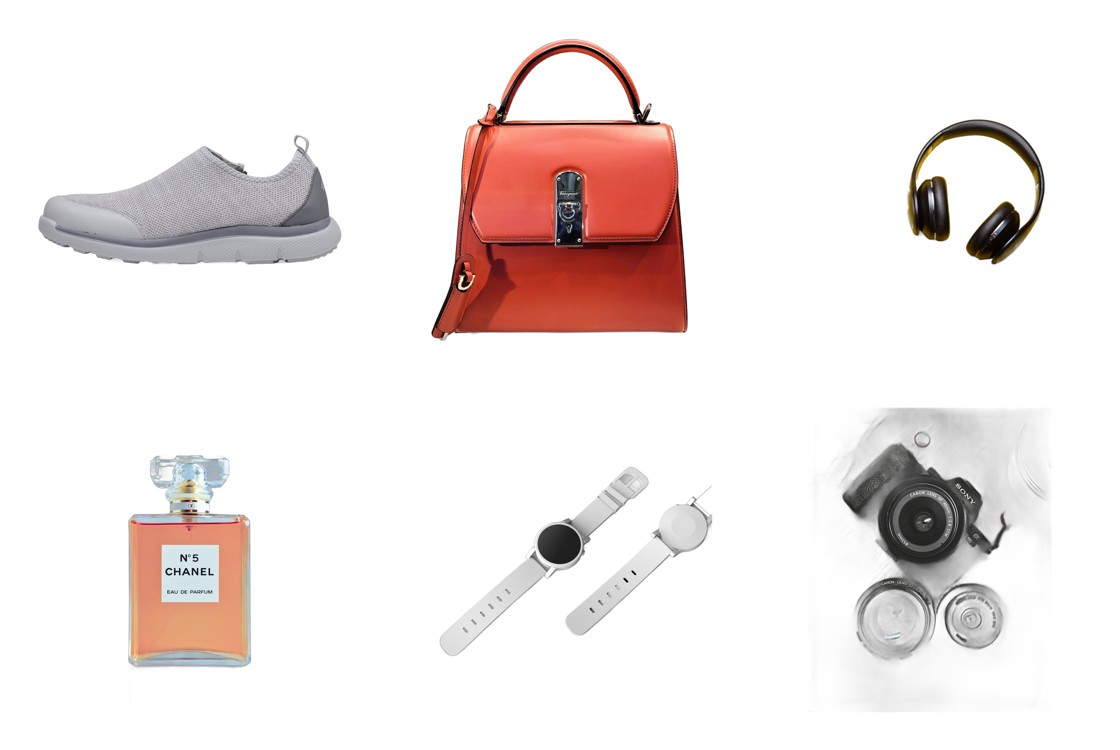
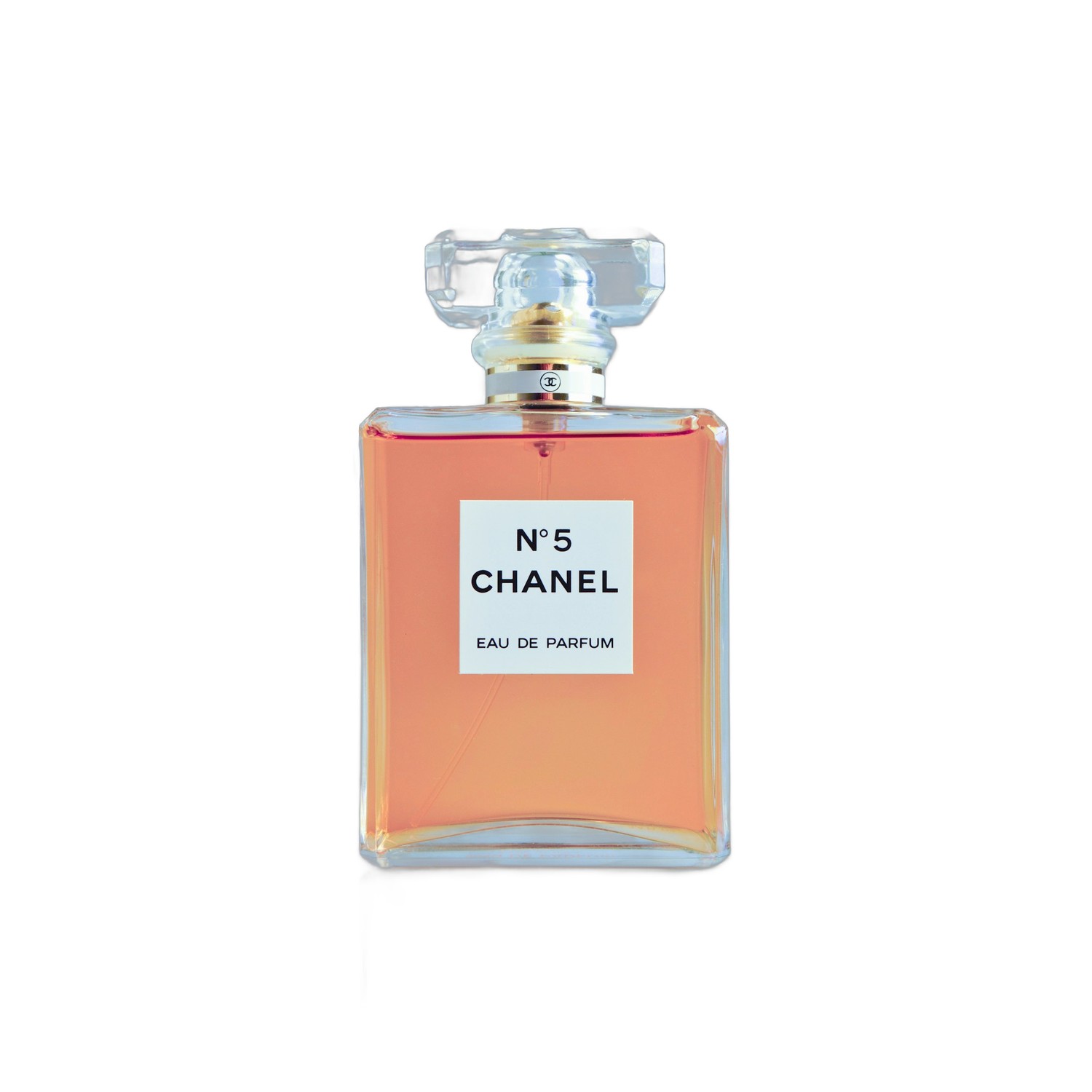
Real product photos, cleaned and marketplace-ready.
The online tools cost $100 to $1,000 a year, and charge per image. Cutout is one price, unlimited photos, no expiry.
Cutout is for the seller who wants to own their tools: a small shop, a solo seller, or a reseller with a real catalog who is tired of monthly fees and per-image credits. It runs on the Windows PC you already have and keeps your photos private and offline.
It's not a magic "invent a photo studio that never existed" tool. It won't generate a fake AI scene out of nothing, and it isn't a full Photoshop replacement for hand-retouching one hero image. What it does, better than anything at this price, is turn a folder of real photos into a clean, uniform, upload-ready catalog, fast and offline. We'd rather tell you the truth than sell you the wrong thing.
Automatic cutouts are excellent on most products; very fuzzy or transparent items (hair, glass, netting) may need a touch-up. Light enhance is a gentle sharpen and resize, not AI upscaling.
Yes. $49, one time. No subscription, no per-image credits, no account, no expiry. It's yours forever, including free updates.
No. Cutout runs 100% offline on your computer, background removal and all. Your photos never leave your PC.
Unlimited. Drop in a folder of 5 or 500, there is no per-image cost, ever.
Windows (Windows 10 and 11). It installs like any normal program and opens in its own window.
Yes. Point Cutout at a folder of your own backdrop images and pick one, or drop your product on a solid color or clean white. Add your own logo or watermark to the whole batch.
Cutout's Amazon preset outputs exact pure white (RGB 255, 255, 255) at 2000 × 2000 with the product filling 85% or more of the frame, and its Amazon-ready check tests a photo before you upload. Amazon makes the final call on every listing, and its rules can change, so Cutout's rules are dated (last checked October 2026). The full list is in the online manual.
Yes, it's built into the app (the Help button) and online at ezdeals4u.com/cutout-manual, so you can read exactly how it works before you buy.
On most products, yes, clean edges on a pure white or any backdrop you choose. Very fuzzy or transparent items may need a quick touch-up, which we're honest about up front.